
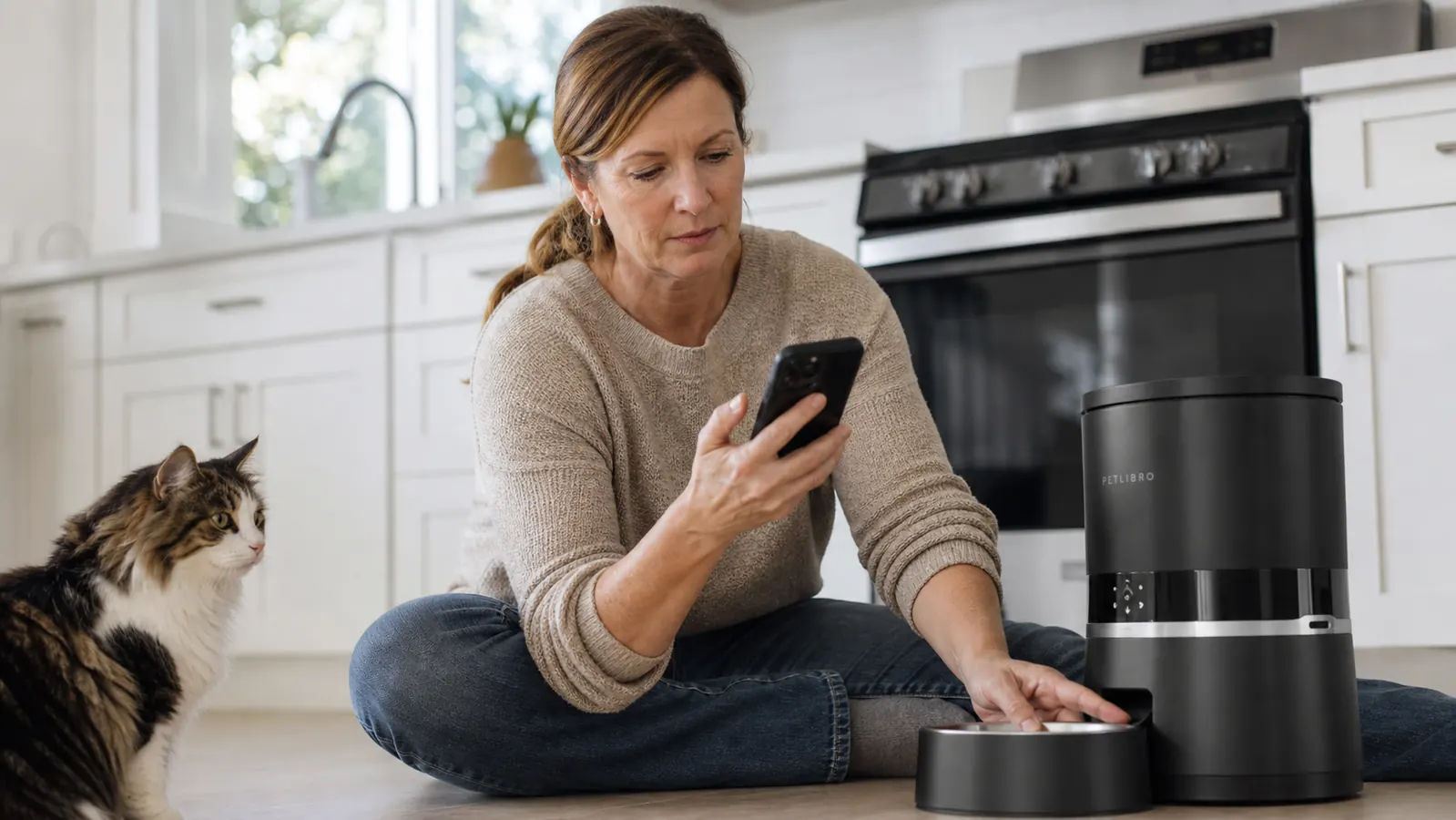
My first automatic feeder sat in the box for two weeks because I was convinced I'd mess up the WiFi setup. I had three cats at the time, two of them on strict portion controls, and I kept thinking: what if I program it wrong and they go all night without eating, or worse, get double-fed and one of them ends up sick? If that fear sounds familiar, this guide is exactly what I wish someone had handed me back then.
Over the past five months I have been using the PETLIBRO 5G WiFi automatic feeder with a 5L hopper for my two cats, Biscuit (a 9-year-old Maine Coon, 14 lbs) and Pickle (a 6-year-old DSH, 10 lbs). I will use it as the reference model throughout this guide because it is the one I know inside and out, but every step here applies to nearly any WiFi-enabled timed feeder. The setup process is almost universal.
Still feeding by hand three times a day? Your phone can do it while you sleep.
The PETLIBRO 5G WiFi feeder lets you set up to 10 scheduled meals a day from your phone, lock in exact portions from 1 to 39 servings, and get a notification if a meal fails to dispense. It runs on both power and a battery backup so a loose cord does not mean a missed meal.
Amazon Check Today's Price on Amazon →Step 1: Choose the Right Location and Power Source
Before you even open the app, put the feeder in the right spot. You want it within reach of an outlet (the PETLIBRO runs on a DC adapter, not batteries alone, so cord length matters), on a hard flat surface, and at least a foot away from your pet's water bowl. Dry kibble and moisture do not mix well inside a feeder hopper. Clumping is one of the top reasons people have dispensing jams.
Also think about your router signal. If you have a 5G WiFi network (not 5 GHz, but a newer WiFi 5 or WiFi 6 band), the PETLIBRO connects to that. If your kitchen is far from your router, a quick speed test on your phone while standing near the feeder will tell you whether you need a WiFi extender before you go any further. I learned this the hard way when my first pairing attempt failed four times in a row because the feeder was in a dead zone.
One more thing: place the feeder where your pet can already see and approach it calmly. If your cat or dog is nervous around new objects, do not plug it in immediately. Let it sit there powered off for a day so they can sniff it and decide it is not a threat.
Step 2: Download the PETLIBRO App and Create Your Account
The PETLIBRO Granary app is free on both iOS and Android. Search "PETLIBRO Granary" in your app store, not just "PETLIBRO" or you might grab the wrong one. Create your account with an email and password, then keep the app open and your Bluetooth enabled for the pairing step.
One small annoyance I want to flag: the app will ask for your location permission during setup. It uses this to set your timezone automatically, which matters for scheduling. Grant it, at least during setup. You can revoke it afterward if you want. If you deny it and your timezone is set wrong, your 7 AM feeding might actually fire at 9 AM. Several reviewers on Amazon mention this exact problem, and it is always the timezone.
Step 3: Pair the Feeder to Your WiFi Network
With the app open, tap the plus sign to add a new device. Make sure the feeder is plugged in and powered on. You will hear a startup chime. The app will walk you through a QR code scan using the camera on your phone pointed at a code on the bottom or back of the unit. Once the camera reads it, enter your WiFi network name and password. The feeder will connect within about 30 seconds if your signal is solid.
A few things that trip people up here. First, the feeder does not support 2.4 GHz and 5 GHz on the same network name. If your router broadcasts both on the same SSID, your phone may be on 5 GHz while the feeder expects 5G WiFi. If pairing fails twice, go into your router settings and temporarily create a separate 5G network name to pair with. Second, some Android phones turn off WiFi briefly during QR scanning, which breaks the pairing handshake. If that happens, put your phone in airplane mode briefly, re-enable WiFi only (no mobile data), and try again.
Once paired, name the device something useful, like "Biscuit and Pickle Feeder" so you know which unit you're adjusting if you ever add a second one.
Step 4: Fill the Hopper and Calibrate Your Portion Size
The PETLIBRO 5L hopper holds roughly 18 cups of dry kibble. Open the top lid and pour in your pet's food. One thing to know: this feeder is designed for dry kibble only, nothing wet or semi-moist, and works best with kibble sized between 2 mm and 15 mm in diameter. Very small kibble (like cat dental treats) and large breed kibble (over 15 mm) can both cause jams. Check the kibble size before you commit to this feeder.
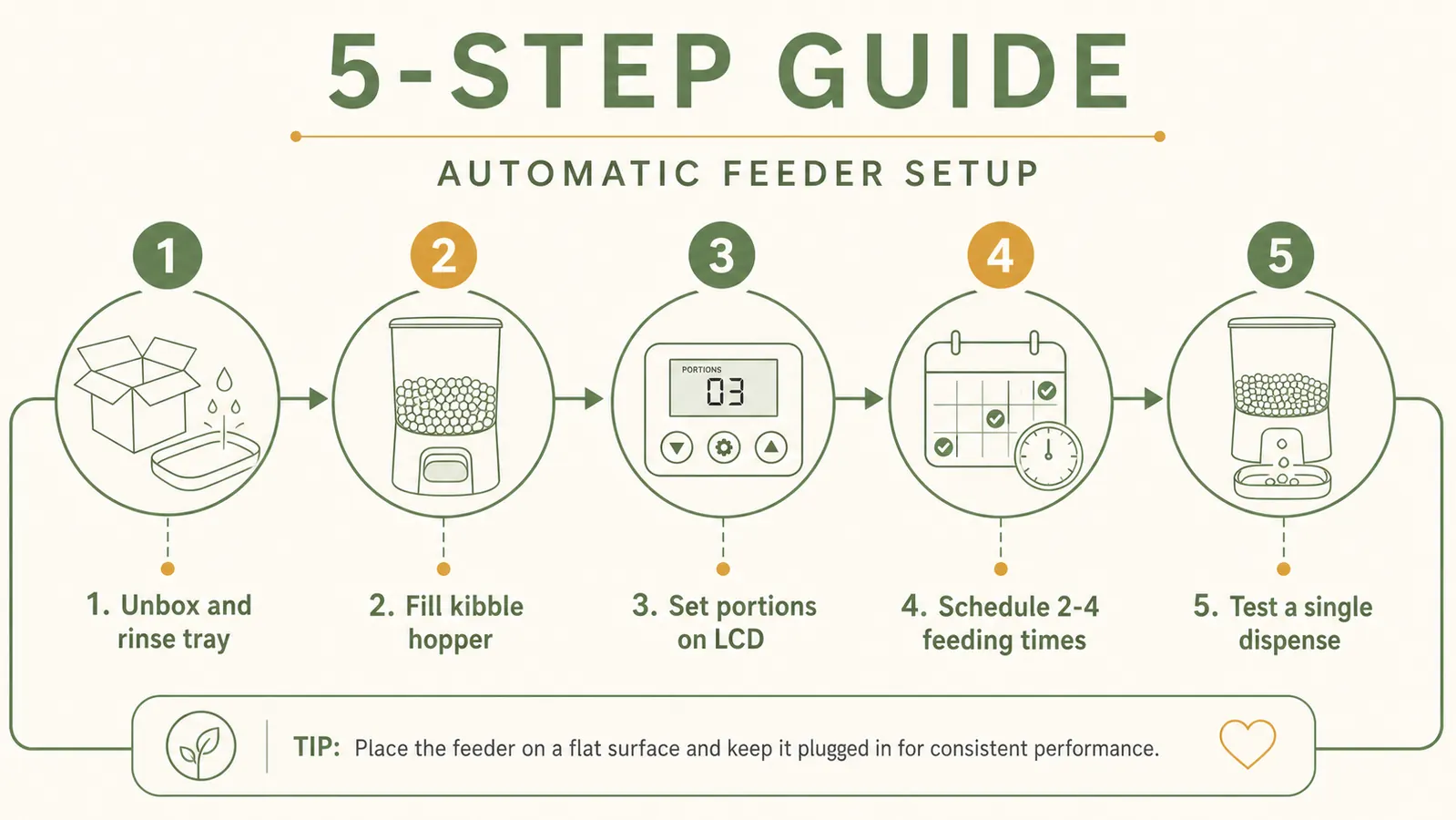
Now set your portion size. In the app, each "serving" dispenses approximately 10 grams of standard-size dry kibble. Use the manual dispense button in the app to fire one serving into an empty bowl, then weigh it on a kitchen scale. My Maine Coon Biscuit gets 40 grams per meal, which works out to 4 servings per feeding in my feeder. Do this calibration once and note it down. Do not trust the rough estimates on the feeder label. Your kibble brand and shape will vary, and a gram scale takes 30 seconds to confirm.
Step 5: Program Your Feeding Schedule
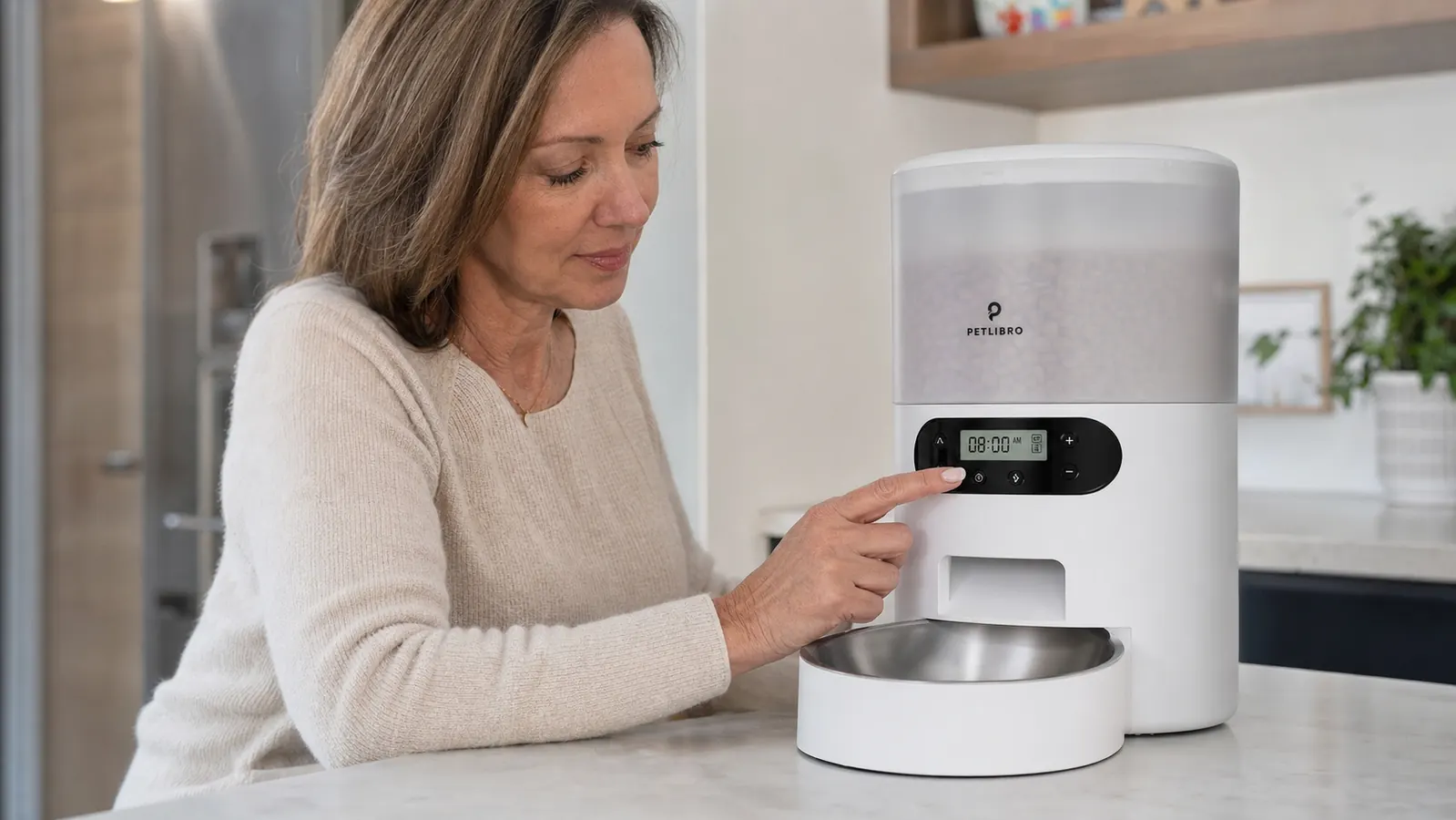
In the app, navigate to "Feeding Plan" and tap "Add Meal." Set the time and the number of servings. The PETLIBRO supports up to 10 scheduled meals per day, which is more than most pets need but very useful if you have a diabetic pet on strict glucose control or a dog recovering from GI issues who needs small, frequent meals.
For most adult cats and dogs, a 2 to 3 meal schedule works well. My schedule for Biscuit and Pickle is 7:00 AM (4 servings each), 12:30 PM (2 servings each), and 6:00 PM (4 servings each). I used to free-feed, and Biscuit had ballooned to 16 lbs. Six months on a schedule plus consistent portions has him back down to 14 lbs without drama.
You can also set a "slow feed" option that dispenses the meal in small bursts over a minute or two rather than all at once. If your pet gulps and then vomits, turn this on. It made a significant difference for Pickle, who used to eat so fast that I routinely found little piles of regurgitated kibble on the mat.
I used to free-feed, and Biscuit had ballooned to 16 lbs. Six months on a timed feeder has him back down to 14 lbs without any drama. A schedule plus consistent portions was all it took.
What Else Helps
Once the feeder is running smoothly, a few extras make the whole system more reliable and less stressful to maintain.
Keep the meal log on. The PETLIBRO app saves a record of every dispensed meal with a timestamp. This is genuinely useful when you come home after a long day and your cat is wailing at you like she has not eaten in a week. You can open the app, check the log, and confirm that yes, she ate 3 hours ago and she is just dramatic. It is also helpful for spotting missed meals quickly if the feeder jams.
Clean the hopper every 4 to 6 weeks. Kibble oils build up on the auger and inner walls over time and can cause the motor to work harder than it needs to. The PETLIBRO hopper detaches for easy washing with warm soapy water. Let it dry completely before refilling. I do a full clean the same day I vacuum the living room, so I never forget.
Use the built-in desiccant if your feeder included one. The PETLIBRO has a small desiccant holder in the lid that helps keep the hopper dry. Swap the desiccant pack every 2 to 3 months or when it changes color. This alone prevents the sticky clumping that jams most feeders. You can buy replacement silica packs in bulk on Amazon for a few dollars.
If you have two pets with different portion needs, like I do, place two bowls side by side and train each pet to eat from their own bowl before the meal fires. It takes about a week with consistent supervision and is worth doing. The feeder cannot sort who eats what, so the behavioral training is on you.
Finally, enable push notifications for failed dispenses in the app settings. The feeder has a sensor that detects when a dispensing cycle completes without releasing food. If it jams, you will get an alert on your phone within a minute. I have gotten three of these alerts in five months, all caused by one brand of kibble I switched to that had oddly shaped pieces. I switched back to the round kibble and have not had a jam since.
Ready to stop worrying about whether your pet ate while you were out?
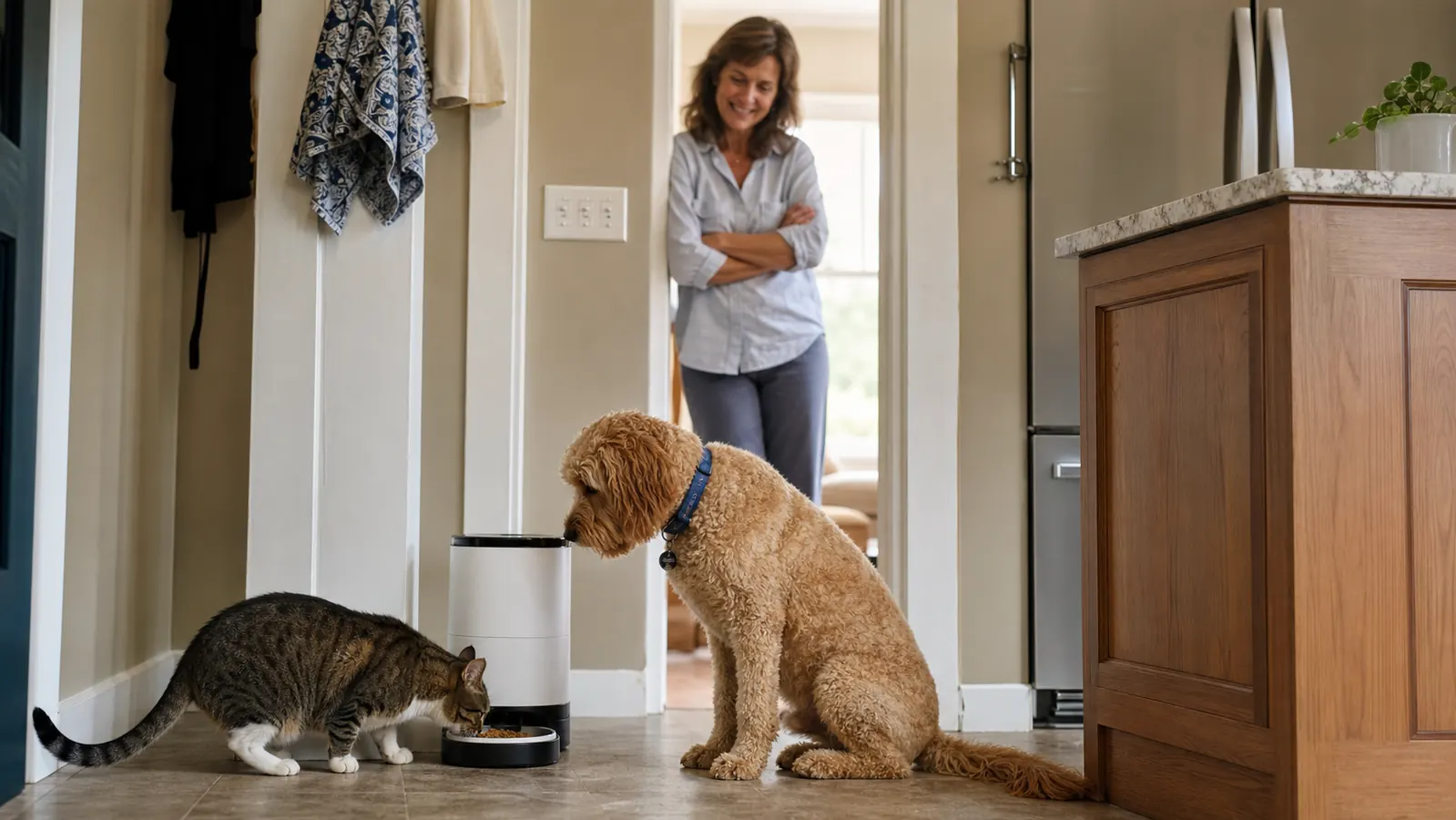
The PETLIBRO 5G WiFi feeder has been my daily driver for five months across two cats and a tight portion budget for both. It earns its keep every time I stay late at work and know the 6 PM meal already fired. Check the current price on Amazon and read what the other 9,000+ buyers are saying.
Amazon Check Today's Price on Amazon →