
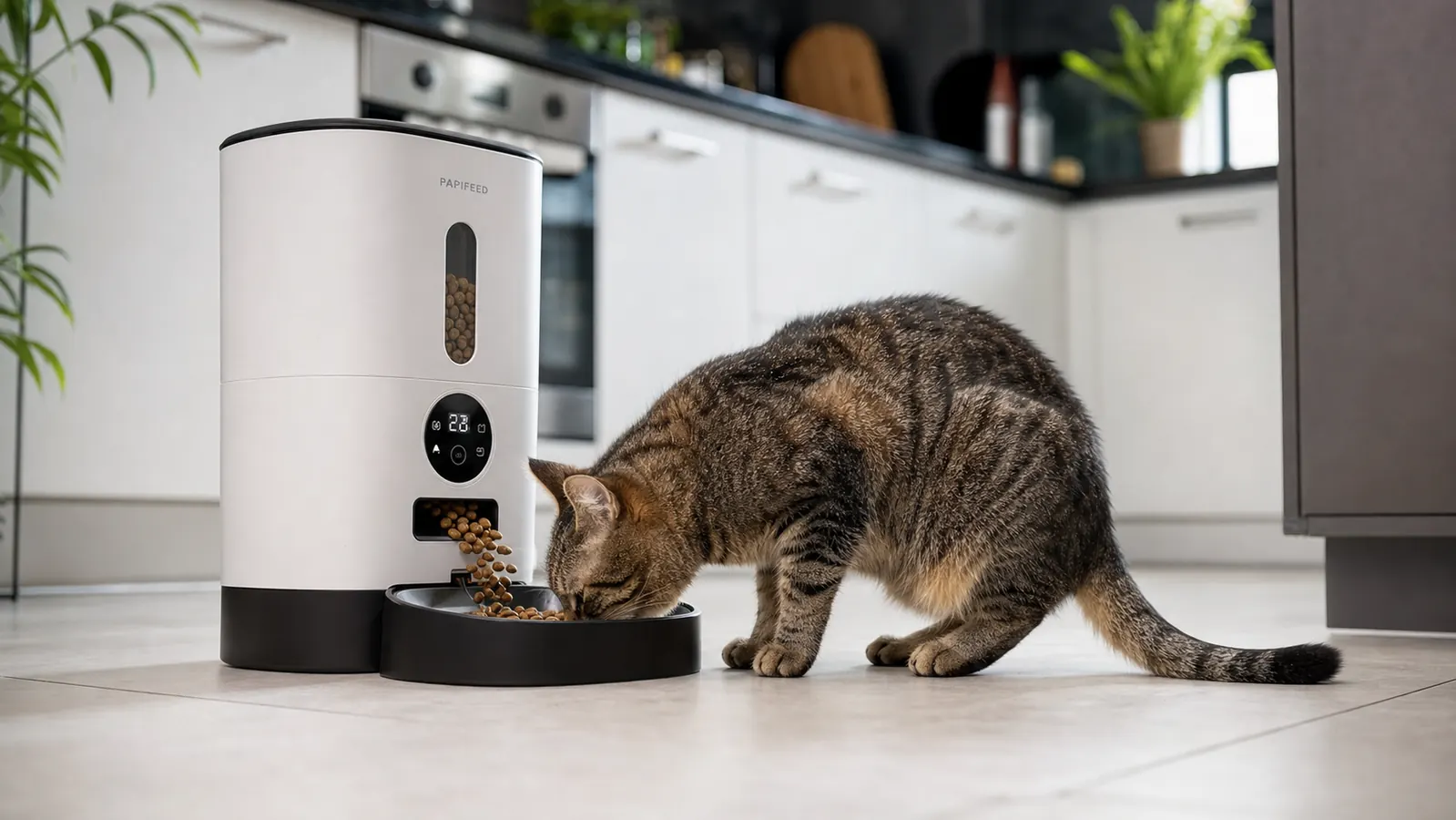
I want to tell you something nobody puts in an automatic feeder review: the first two weeks are the worst. My cats Huckleberry and Fig treated the PETLIBRO like a bomb had been placed in the kitchen by a stranger. Huckleberry would creep up to it, hear the motor spin, and bolt. Fig refused to eat from the bowl entirely for four days. None of that shows up in the star ratings, but it is real, and if you have anxious cats, you should know it going in before you buy.
I am not writing this to discourage you. Four months in, the feeder has been running reliably and both cats use it without drama. But there are real tradeoffs with the PETLIBRO 5G WiFi model that the listing downplays, and I kept wishing someone had laid them out plainly before I bought it. So that is what this review is. Not a feature recap you could copy from the product page. The stuff they leave out.
The Quick Verdict
A capable, app-connected feeder with legitimately good portion control, but motor noise, WiFi setup finickiness, and one-bowl-one-cat limitations make it a qualified recommendation rather than a slam dunk.
Amazon Check Today's Price →One cat, unpredictable schedule, tired of watching the bowl? Here is the feeder most single-cat households land on.
The PETLIBRO 5G WiFi feeder handles up to five scheduled meals a day with per-meal portion control down to single increments. For a straightforward single-cat household it works well. Check current availability before committing.
Amazon Check Today's Price on Amazon →What Nobody Tells You First: The Motor Is Loud
Every review I read before buying called the PETLIBRO quiet. I genuinely do not know what those people's kitchens sound like, but in mine, a 1940s bungalow with hardwood floors and plaster walls, the dispensing motor is loud enough to wake a sleeping cat from the next room. It is a grinding, mechanical churn, not a gentle whir. Huckleberry had heard kibble hit a bowl ten thousand times in his life, but the sound of this motor cycling made him back away the first twelve times.
I eventually solved it by folding a dish towel twice and placing it under the unit. The noise is the same volume but the vibration resonance traveling through the counter and into the walls drops noticeably. That small fix helped Huckleberry accept it within about a week. The broader point: if you have a noise-sensitive or anxious pet, build in a desensitization window before you start relying on the feeder. Set it up in the room without programming it. Let your cat sniff it for a day. Give them treats near it so the presence is neutral. Trigger a manual dispense while you are standing right there, so your calm body language carries. Do not just plug it in, walk out the door, and expect a fearless cat on the other end.
The motor noise is also relevant if you are thinking about putting the feeder in a bedroom for an early morning feeding. A 5am dispense will wake a light sleeper. Put the unit in the kitchen or hallway and let the cat go to it, rather than bringing the noise to you.
Every review I read called it quiet. In my 1940s bungalow with hardwood floors, the motor is loud enough to wake a sleeping cat from the next room.
The WiFi Setup: It Will Work, But Budget Twenty Minutes and Some Patience
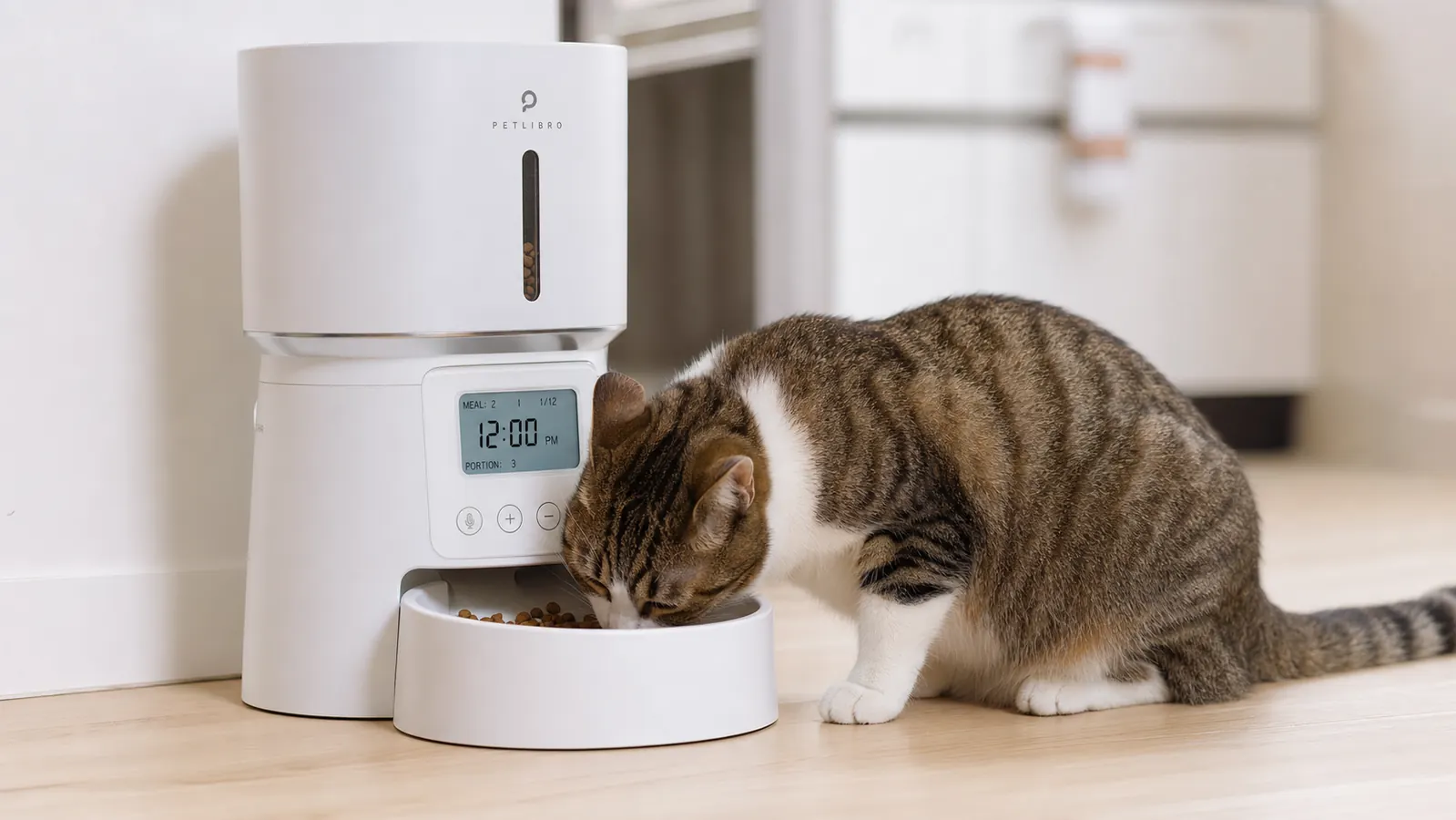
The PETLIBRO 5G model connects to 5GHz WiFi only. That is actually the right engineering call because 5GHz is less congested than 2.4GHz in most homes and gives the app a faster, more stable connection for remote commands. But here is what the manual does not tell you: a large number of home routers broadcast both 2.4GHz and 5GHz under the same network name. If your phone has drifted to the 2.4GHz band while you are standing in the kitchen, the feeder will refuse to pair. It is not broken. It just cannot see what your phone thinks it is connected to.
I spent thirty-five minutes troubleshooting this before I realized my phone had silently shifted to the 2.4GHz band at some point during the morning. Once I forced the phone to connect explicitly to the 5GHz band and relaunched the pairing sequence in the app, the feeder paired in under two minutes. PETLIBRO's setup instructions do mention 5GHz, but they do not explain the split-band issue or how to check which band your phone is currently on. That omission is avoidable and frustrating, because it is the single most common setup failure I see other owners report.
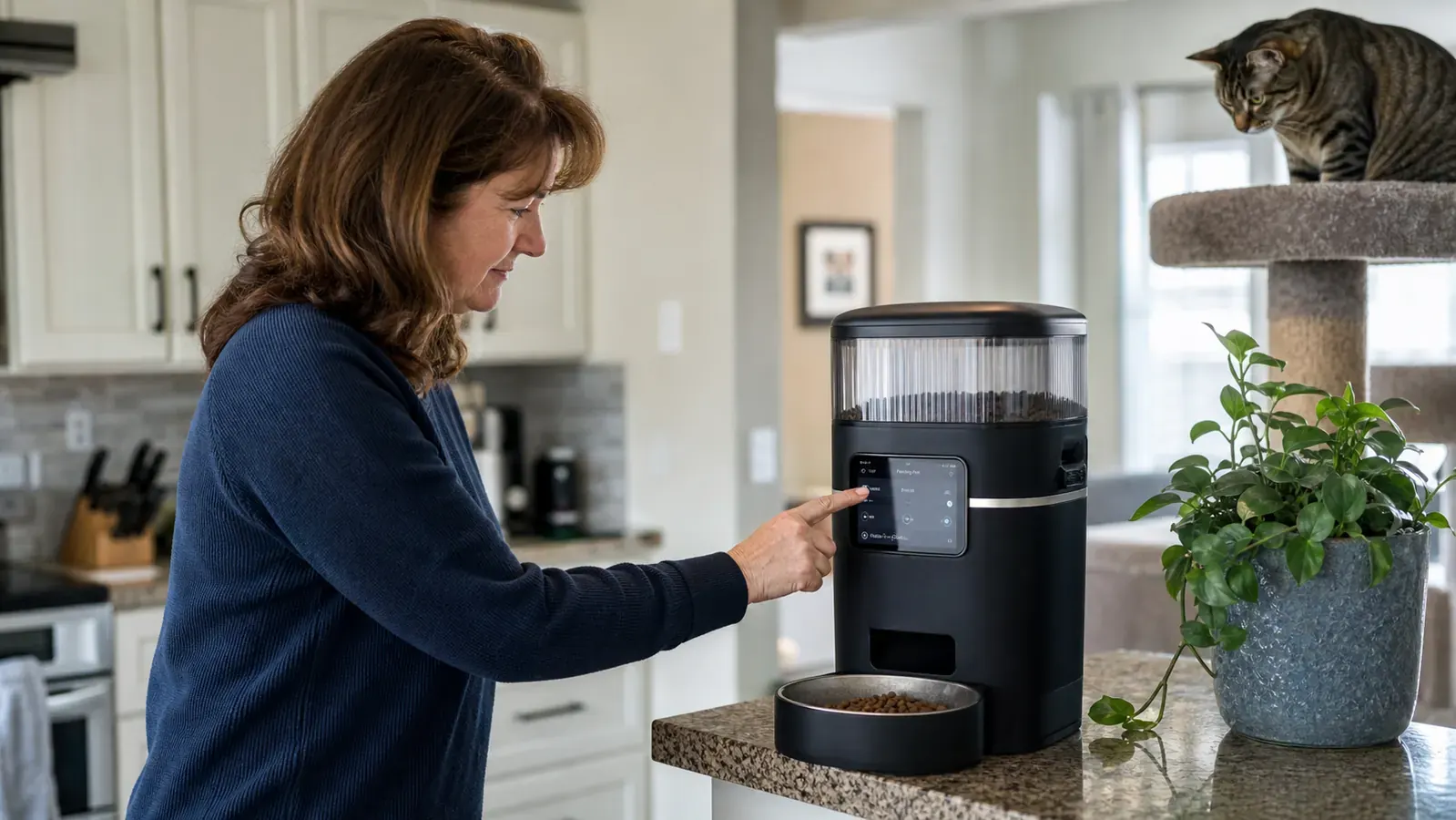
Once you are past pairing, the app is genuinely one of the better ones I have used in this category. Scheduling is visual and intuitive. You set each meal by picking a time, choosing a portion size on a numerical scale (one increment is roughly 5 to 6 grams of standard small dry kibble), and saving. Up to five meals per day. The manual feed button in the app triggers an immediate dispense from anywhere you have a data signal, which is legitimately useful when you are stuck in traffic and running an hour behind the usual dinnertime.
Portion Accuracy: One of the Genuine Strengths, With a Kibble-Size Caveat
Fig is a seven-pound rescue cat who arrived at my house obese and has held a healthy weight for two years because her feeding schedule is precise. Portion control is not a nice-to-have for her. So I actually tested this. Over four weeks I weighed the dispensed portion for fifteen different scheduled meals across two different days of the week. The variance was plus or minus two grams from the target amount. For a thirty-gram target serving, that is within seven percent, which is better than any feeder I have owned before.
The caveat is kibble shape and size. The PETLIBRO uses an auger-style dispenser, and augers are consistent with small, uniform, spherical or pellet-shaped kibble. With larger, irregularly shaped pieces, the auger can catch an odd piece and the dispense comes out four to six grams short. If your cat eats a large-breed or large-bite kibble, weigh the first eight or ten meals before trusting the scheduled amount. You may need to bump up one increment to hit your target.
The jam risk is the other thing worth naming directly. Any auger-based feeder can jam if the kibble bridges across the hopper mouth, particularly when the hopper is in the bottom third. It happened to me twice in four months. Once with a premium kibble that had a slightly oily coating from a fish-oil supplement added at the factory. The pieces clustered together and the auger stalled. The app sent a low-food alert, which looks identical to a jam notification, so the first time I did not realize what had happened until I came home to an empty bowl. For cats on strictly managed medical diets, this is the primary failure mode you are accepting with any gravity-auger feeder. Knowing it exists means you can check more often when the hopper is getting low.
The Two-Cat Problem: Why One Unit Is Not Enough for Two Cats With Different Needs
I bought this feeder thinking one unit would cover both Huckleberry and Fig. That plan lasted nine days. Huckleberry weighs twelve pounds and eats roughly twice what Fig eats. Within the first week he had figured out that the bowl was going to fill at a predictable time, and he started camping next to it. He would push Fig out and eat most of her portion before she finished, then eat his own scheduled portion when it came. The PETLIBRO dispenses into one bowl. There is no way to assign a portion to a specific cat.
If you have two cats with different calorie needs, weight management requirements, or different foods entirely, you need two feeders and some form of physical separation at mealtimes. The practical approaches people use: separate rooms with doors closed during the twenty-minute feeding window, or a microchip-activated feeder for the smaller or medically managed cat placed alongside the PETLIBRO for the other one. Either way, one feeder for two cats with different dietary needs will not work long term. I wish the listing said this more plainly.
To be fair, if you have two cats who eat the same food in roughly similar amounts and do not compete at the bowl, one feeder works fine. Huckleberry now uses the PETLIBRO as his sole feeder and it has genuinely reduced his food-obsession behavior. He used to pace and vocalize starting an hour before mealtimes. Now he knows the bowl fills at 7am, 1pm, and 6pm and he shows up about five minutes early without the theatrical starving-cat performance he used to put on.
What I Liked
- Portion consistency is genuinely good (within 7% variance in testing with small uniform kibble)
- App is well-designed and responsive once paired; manual remote dispense works reliably
- Five scheduled meals per day covers nearly every single-cat feeding scenario
- 5L hopper holds roughly two weeks of food for a typical adult cat
- Sealed hopper with desiccant keeps fish-based and oily kibbles noticeably fresher than open feeders
- Battery backup prevents missed meals during brief power outages without any setup required
Where It Falls Short
- Motor noise is real and noticeable on hard floors; anxious pets need a desensitization window of one to two weeks
- 5GHz-only WiFi means split-band routers require extra steps before the initial pairing will succeed
- One bowl means one set of portions; useless for two cats with different calorie needs without buying a second unit
- Auger can jam with large, chunky, or oily-coated kibble especially in the bottom third of the hopper
- App does not distinguish a jam alert from a low-food alert, which reduces confidence in remote monitoring
- D-cell batteries for backup are not included; plastic bowl is not dishwasher-safe on high heat
The Freshness Lid: More Useful Than I Expected
Before I owned the PETLIBRO I would have dismissed the freshness preservation lid as marketing copy. After four months with a cat who eats salmon-based kibble, I think it actually matters. Kibble sitting exposed in an open hopper picks up an oxidized, stale smell within a week, especially fish-based formulas. The PETLIBRO's sealed hopper with the rotating desiccant insert kept Fig's kibble noticeably fresh-smelling at the ten-day mark in a way my previous open feeders never managed. Whether cats taste the difference I cannot say for certain, but Fig ate consistently through the full two-week fill cycle in a way she had not done with my older open-top Arf Pets feeder, where she would sometimes turn her nose up at the end of the second week.
The desiccant pack that ships inside is a nice detail. PETLIBRO recommends replacing it every two to three months. Generic food-grade silica packets from a hardware or kitchen store work fine as a swap and cost pennies compared to the branded replacement.
Battery Backup: A Small Detail That Matters If You Travel
The feeder runs on the included DC power adapter but will automatically switch to three D-cell batteries if power is interrupted. I tested this by unplugging the unit two minutes before a scheduled meal. The dispense ran on time without any manual intervention. The batteries are not included in the box, which is a minor gripe for a product at this price point, but once installed they last for months as a backup-only source and you rarely think about them.
For people who travel and leave a cat with a neighbor or house sitter checking in once a day, this backup matters more than it might seem. A thunderstorm knocking out power for an hour will not mean a missed meal, which is genuinely important if your cat is on a medically managed feeding schedule. It is not the reason to buy this feeder, but it is one of those small features that earns appreciation the first time you actually need it.
How It Compares to Other Feeders I Have Owned
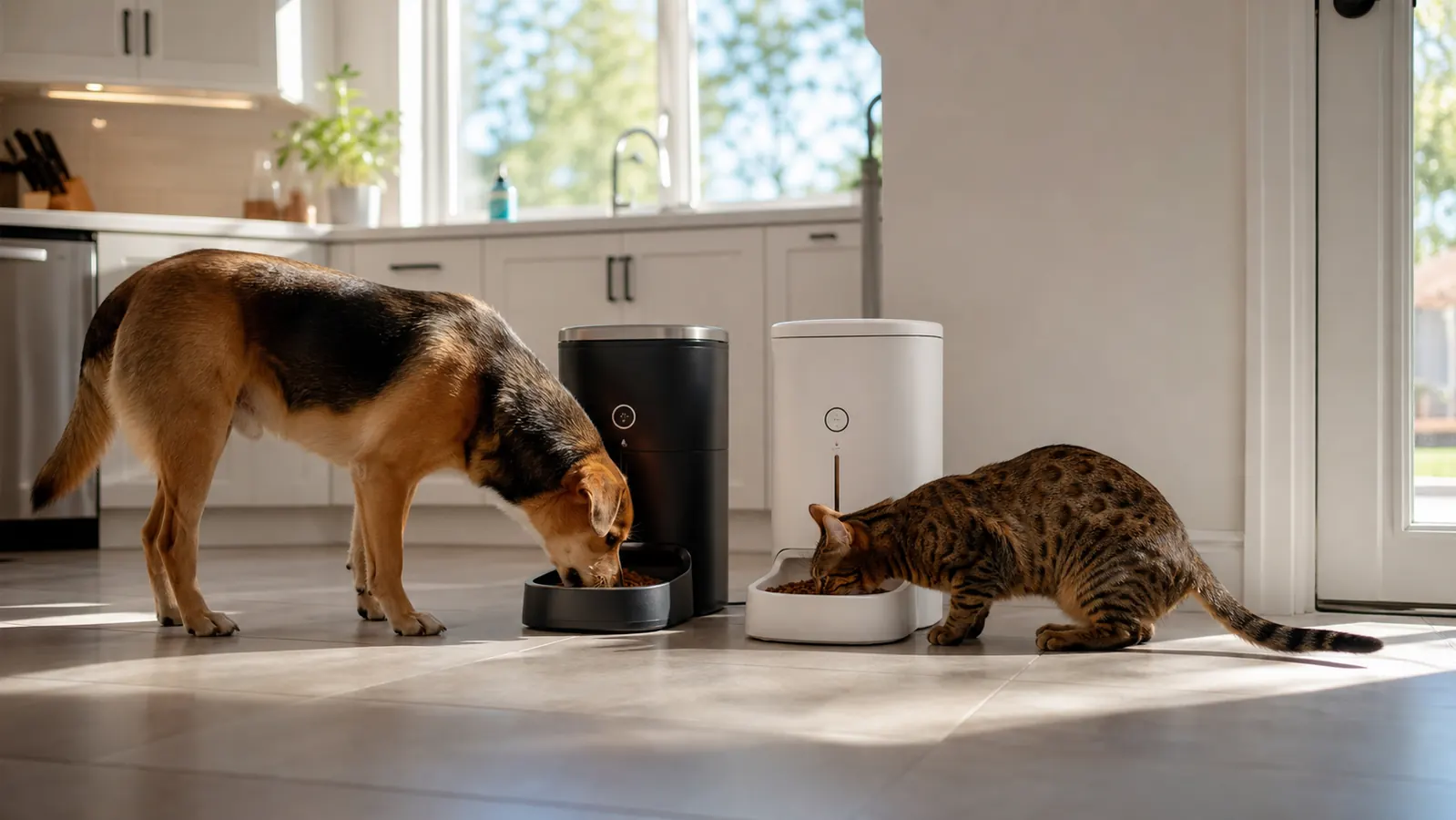
For context: I have owned a basic Arf Pets gravity timer feeder, a PetSafe Smart Feed that ran on 2.4GHz WiFi, and a no-name brand I bought off a discount shelf that jammed within three weeks and went in the recycling. The PETLIBRO sits above all three in overall quality. The Arf Pets had no app and no portion control beyond a coarse dial. The PetSafe Smart Feed had better portion accuracy but the app was laggy and frequently dropped the WiFi connection between scheduled meals, requiring a manual reconnect. The PETLIBRO's app has been more stable in four months than the PetSafe's was in six. The main thing the PetSafe had going for it was 2.4GHz compatibility, which made initial setup easier. If PETLIBRO ever releases a dual-band version I would rank it higher with no reservations.
Who This Is For
The PETLIBRO WiFi feeder is a strong fit for a single-cat household where the owner travels occasionally or works unpredictable hours and the cat eats standard small-to-medium dry kibble. The remote manual dispense and real-time feeding log are genuinely useful for that scenario. The portion accuracy is reliable enough for basic weight management. If you have one cat, a home router that supports 5GHz, and a pet that is not extremely noise-sensitive, this feeder earns its price without much argument.
Who Should Skip It
If you have two cats with different dietary needs, plan on buying two units or choose a different feeding system altogether. If your cat eats large-format or oily kibble, test portion consistency carefully before relying on this for medical feeding management. If you have a very noise-anxious pet and live in a space where sound carries easily through floors and walls, budget real time for the adjustment period and do not count on the feeder being reliable during the first two weeks. And if your home router is older or broadcasts a merged 2.4GHz and 5GHz band without letting you separate them, the setup process will frustrate you more than the feeder deserves. These are workable issues for most people, but they are real, and a review that does not mention them is not doing you any favors.
If you want to see how the PETLIBRO stacks up directly against the WOPET model on app reliability, jam frequency, and price, we put them side by side in the PETLIBRO vs WOPET automatic feeder comparison. And if you are still deciding whether an automatic feeder actually solves a real problem in your household, the 10 reasons every pet owner should consider an automatic feeder lays out the practical use cases without the hype.
One cat, chaotic schedule, and done with watching the bowl? The PETLIBRO is still the one most single-cat households come back to.
Four months in, mine runs the same schedule every day without fuss. The tradeoffs are real but manageable if they apply to your situation. Check current pricing and whether it is in stock before making a decision.
Amazon Check Today's Price on Amazon →